

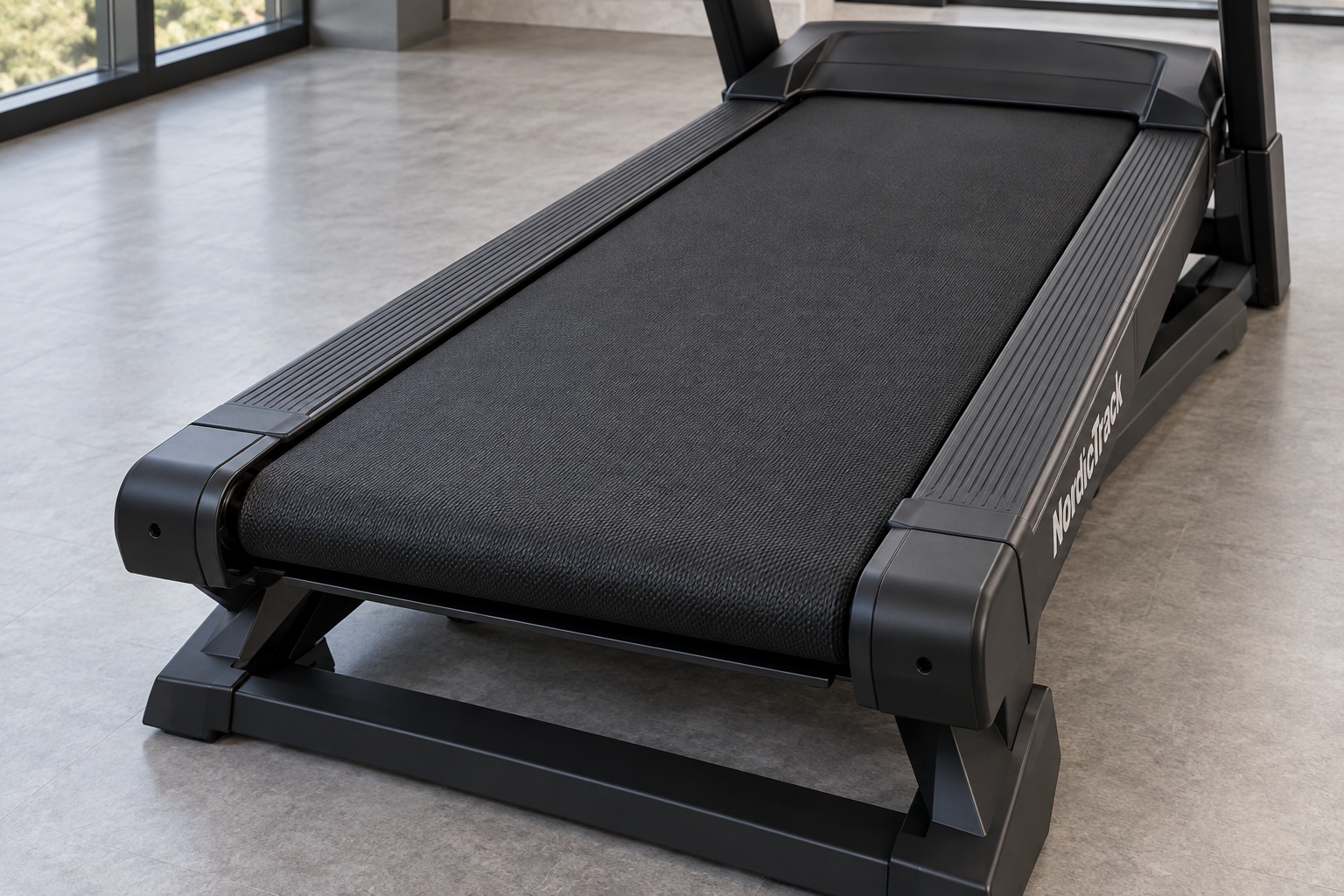
is your treadmill slipping mid-stride or showing visible signs of wear? A worn walking belt can turn a smooth workout into a frustrating experience. The good news is that you do not need to replace the entire machine to get back on track. With a few basic tools and this step-by-step guide, you can replace your ProForm treadmill walking belt yourself.
1. Diagnostic Checklist: Is it Time for a New Belt?
Before beginning any repair, it is important to confirm that the issue is actually the walking belt. Check your treadmill for these common indicators of wear:
- Fraying or damage: Inspect the edges of the belt for visible fraying, thinning, or tears.
- Slipping: If the belt feels like it “catches” or loses traction under your feet, it has likely stretched beyond its ability to be tensioned.
- Irregular movement: A belt that moves in jerks or shows uneven wear patterns on the underside often indicates it is past its prime.
Note: If you have confirmed the belt is the issue, ensure you have your exact model number handy to select the correct replacement. If you need help, check out our guide on finding your model number.
2. Preparation and Safety
Safety is the most critical part of any equipment maintenance. Before touching any internal components, complete these steps:
- Disconnect power: Unplug the power cord from the wall outlet. Never perform maintenance on a machine that is connected to electricity.
- Clear the area: Ensure you have enough space to work around the entire machine.
- Gather your tools: Most ProForm models require a set of hex keys (Allen wrenches) and a screwdriver.
3. Step-by-Step Installation
Take your time during this process. We recommend taking photos of the wiring and assembly before you disconnect anything to help with reinstallation.
- Remove the motor hood: Carefully unscrew and remove the plastic cover at the front of the treadmill to expose the motor and drive belt.
- Loosen the tension: Use your hex key to loosen the rear roller adjustment bolts. Turning them counter-clockwise will create the slack needed to remove the belt.
- Remove the side rails and end caps: Depending on your specific model, you may need to remove the side foot rails and the rear end caps to gain access to the deck.
- Remove the old belt: Once the tension is removed, you can slide the old belt off the front and rear rollers.
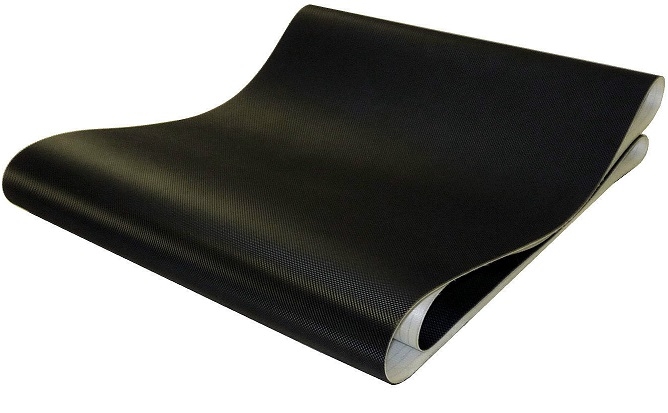
- Install the new belt: Slide your new replacement belt onto the deck. Center it between the rollers and ensure it is tracking correctly.
- Reassemble and tension: Reattach the rollers, side rails, and motor hood. Gradually tighten the rear adjustment bolts until the belt is centered and has the correct tension.
Pro Tip: Keep your hardware organized in a bowl or tray as you remove it. Keeping your bolts together prevents them from getting lost during the installation phase.
Need Help With Your Specific Model?
Treadmill designs vary significantly between series. If you have questions about your specific ProForm model or are unsure about a step in the process, our support team is here to help you get the right fit the first time. Visit our ProForm replacement parts collection to find what you need, or contact us directly for expert guidance.






Leave A Comment